Skip to the stories
Excel & Power BI
-
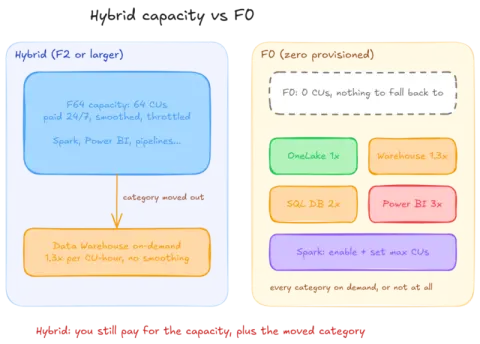 Microsoft Fabric On-Demand Billing: Four Cost Scenarios and Admin Checks
Fabric on-demand billing can cut costs for some workloads, but multipliers, spend limits and the lack of smoothing make workload choice matter.
-
 Microsoft To Do Apps Retire June 30, 2027: Plan for Planner or a Replacement
Microsoft To Do apps retire June 30, 2027. Work accounts are headed to Planner; personal account users need another task app.
-
 Word Compatibility Mode: Convert Older Files Before Layout Changes Begin
Word is removing legacy layout settings from files last saved in Word 2010 or earlier. Check important documents and keep originals before converting.
-
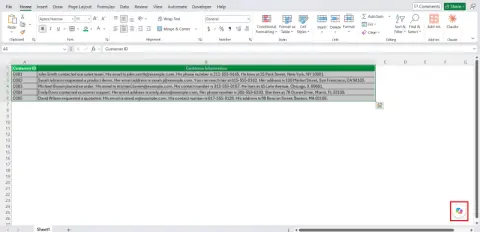 Extract Names, Emails and Addresses from Excel with Copilot
Copilot can split customer details into Excel columns with prompts. Review names, contact details and addresses for row mix-ups and missing data.
-
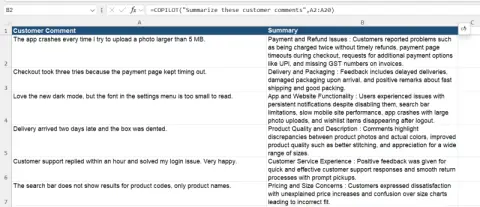 Excel COPILOT Function Retired: Five Alternatives for Analysis and Data Tasks
Excel’s COPILOT function was retired on September 14, 2026. Copilot in Excel, formulas, Analysis ToolPak, Python and Power Query cover different repla...
-
 UGA’s 2027 Administrative Professionals Conference Adds Hands-On Excel Data Training
Chris Menard will teach two 75-minute Excel sessions at UGA on April 23, 2027, covering data cleanup, Conditional Formatting, Tables and Slicers.
-
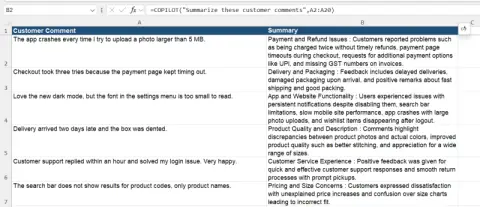 Excel COPILOT Function Retired: Fix Existing Formulas and Switch to Copilot Pane
Excel’s COPILOT function retired on September 14, 2026. Check saved workbooks for formulas that may return #NAME? when recalculated.
-
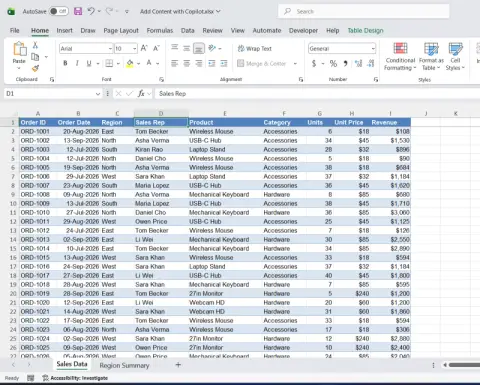 Add Files, Images and Cloud Documents to Copilot in Excel
Excel’s Copilot pane can use uploaded images and files or attached cloud documents as context. Give a specific prompt, then review its response and wo...
-
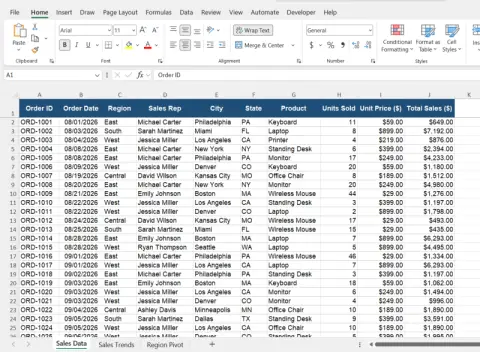 Manage Copilot Chat History in Excel: View, Reuse and Delete Conversations
Open past Excel Copilot chats, reuse prompts, or clear activity history across Microsoft 365 apps. Deleting history does not remove workbook data.
-
 Microsoft Copilot Cowork Matches 96 PDFs to 48 Recipients for Outlook Mail Merge
A test matched 96 PDFs to 48 recipients and prepared individual Outlook messages. Review Cowork’s recipient and attachment list before approving a sen...
-
 Why Separate IT and OT Monitoring Dashboards Hide Outage Causes
A shared IT/OT timeline helps teams trace outages across networks, servers and control systems, while preserving history for incident reviews and audi...
-
 Turn Off Copilot in Excel: Windows, Mac and Ribbon Settings
Disable Copilot through Excel’s settings on Windows or Mac, or hide its ribbon group. The ribbon change only removes the button; it doesn’t disable Co...
-
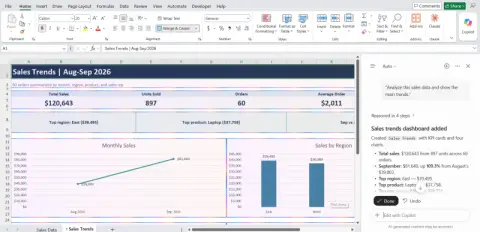 Excel Copilot Keyboard Shortcuts for Windows and Mac: Seven Ways to Work Faster
Use keyboard shortcuts to open Copilot, send prompts, manage responses and switch modes in Excel on Windows and Mac.
-
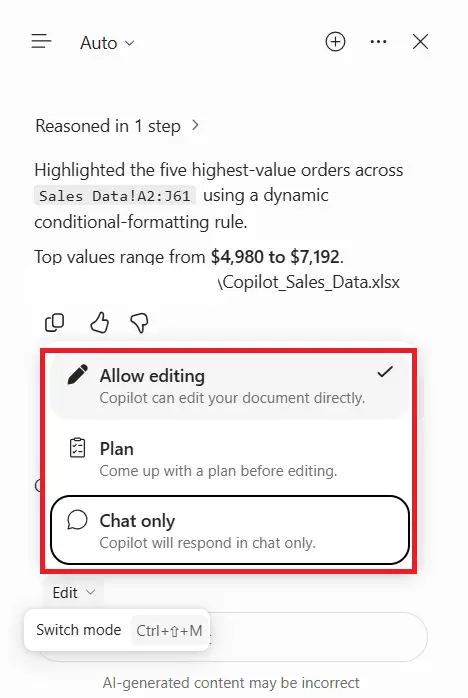 Copilot in Excel for Web and Desktop: Features, Licensing and File Access
Copilot offers similar AI tools in Excel for the web and desktop. Choose based on file access, collaboration needs, macros and add-ins.
-
 MSPs Weigh AI Security, Incident Response and Service Growth at ChannelPro DEFEND Anaheim
ChannelPro DEFEND: Anaheim put AI security, ransomware response and profitable service design on the agenda for MSPs on Nov. 9-10.
-
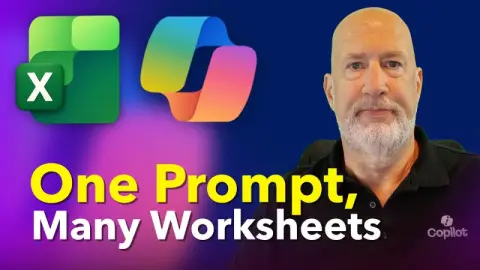 Excel Copilot Builds Two Worksheets from One Prompt
One Excel Copilot request created office counts and a time zone dashboard from 700 employee records. Check the totals and formulas before using the re...
-
 Microsoft Word Gridlines: Show, Adjust Spacing and Work Around Color Limits
Word’s drawing grid is a nonprinting alignment aid. Learn where to control its spacing, how to hide vertical lines and which alternatives support colo...
-
 Snagit Scrolling vs. Automatic Scrolling: Choosing the Right Capture Mode
Use Automatic Scrolling for a full webpage and Scrolling when you need control over selected worksheet columns or a scrollable pane.
-
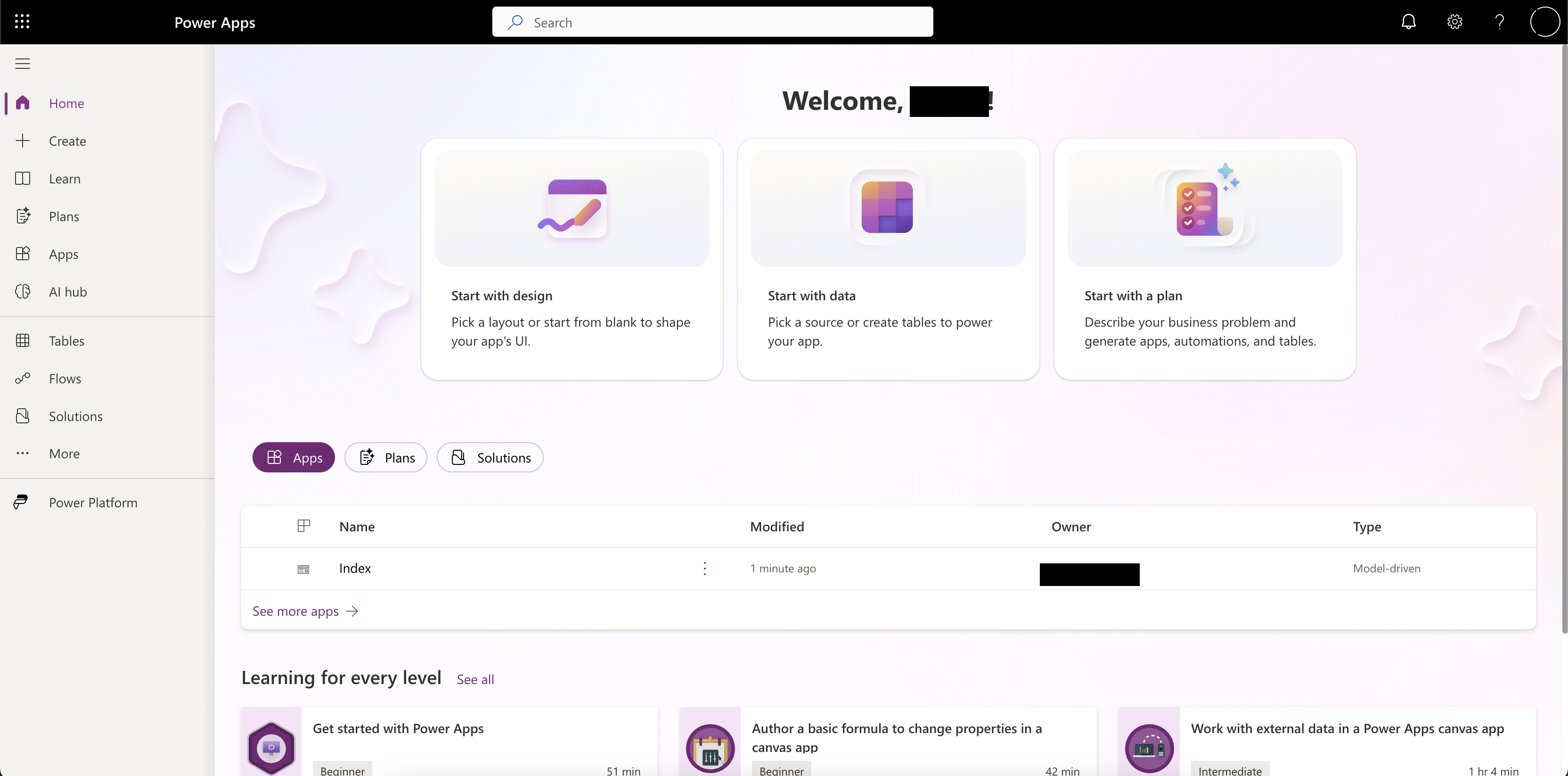 Microsoft Power Platform: What Each Tool Does and Where It Fits
Power Apps, Automate, BI, Pages and Copilot Studio cover apps, workflows, analysis, portals and AI agents. Licensing varies by feature.
-
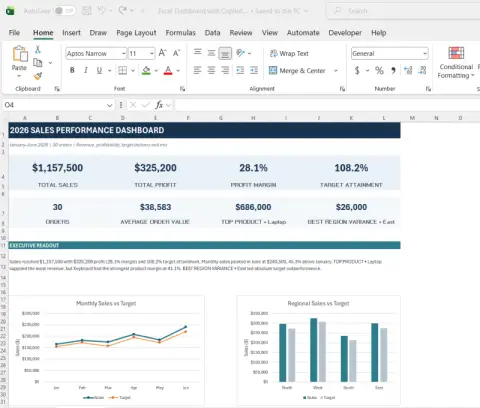 10 Microsoft Productivity Tools: What Each One Does for Work Teams
Excel, Teams, OneDrive, Planner and other Microsoft apps cover analysis, communication and task tracking. Choose tools around how your team works.
-
 Remove Blank Columns in Excel with Go To Special, COUNTA or Power Query
Blank columns can split Excel data and disrupt sorts. Choose Go To Special, a COUNTA helper row or a reusable Power Query cleanup.