Microsoft Power Platform: What Each Tool Does and Where It Fits
Power Apps, Automate, BI, Pages and Copilot Studio cover apps, workflows, analysis, portals and AI agents. Licensing varies by feature.
Microsoft Power Platform brings five low-code tools together for building business apps, automating workflows, analyzing data, publishing websites and configuring AI agents. For IT teams, the practical value is how these tools can connect a process from data capture through automation to reporting. The right fit depends on the work involved, the data and services it needs to connect to, and the licensing required.
The suite includes Power Apps, Power Automate, Power BI, Power Pages and Copilot Studio. Templates, visual design tools and simple formulas let users build many solutions without writing a full application from scratch. That can help departments address routine needs, while giving administrators a set of tools to assess for access, support and licensing.
Match the tool to the job
Each component serves a different part of a business process. Power Apps provides the interface for entering or reviewing information. Power Automate responds to events and moves work between connected services. Power BI turns data into reports and dashboards. Power Pages provides a website for external users, while Copilot Studio is used to configure AI agents that answer questions or carry out defined actions.
These roles can complement one another. An operations team, for example, could use an app to record stock movements and a BI report to review inventory levels. That combination is an example of how the tools can fit together; the specific setup depends on the organization’s data and process requirements.
Power Apps for internal business applications
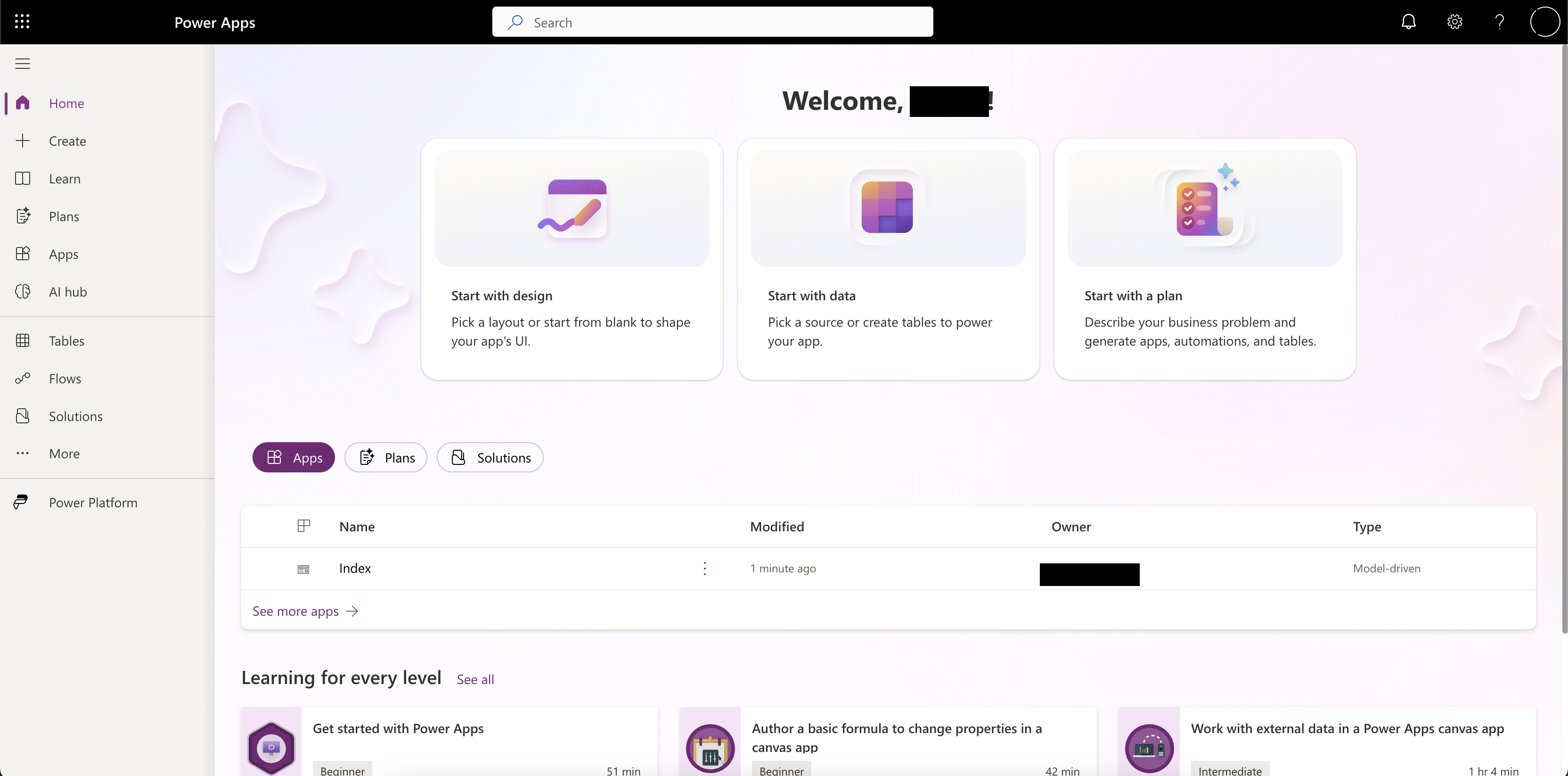
Power Apps is designed for custom web and mobile applications, including tools for internal processes, data collection and task management. Common examples include employee attendance, inventory records, customer information, expense tracking and maintenance requests.
For administrators, the main question is how an app fits into the process it supports: who enters information, which records users need to see, and how the app relates to existing data. A low-code build can shorten the path from a department’s request to a working application, but teams still need to consider how the app will be maintained as its users and data change.
Power Automate for event-driven workflows
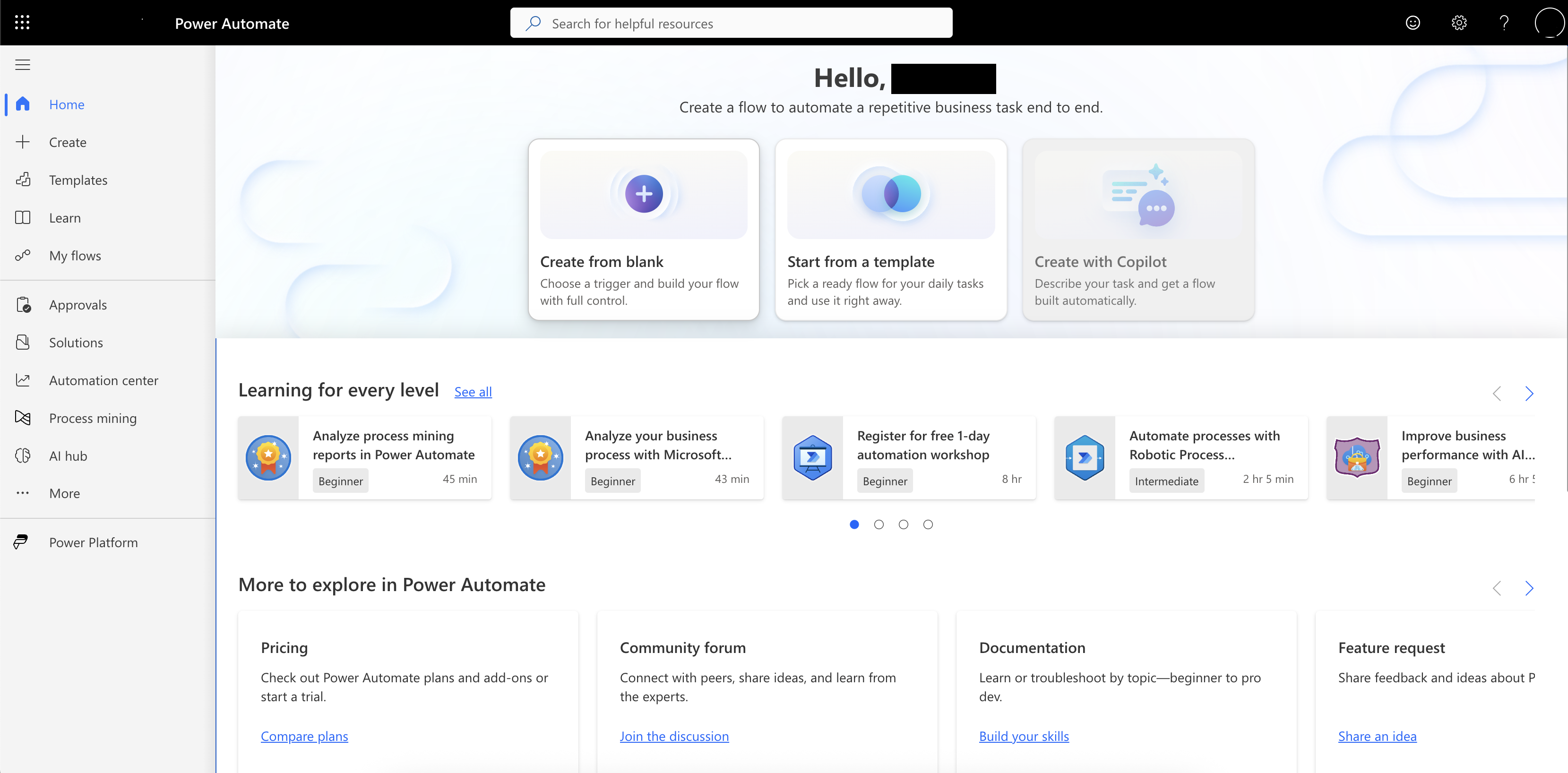
Power Automate connects applications and services so actions can run when a specified event occurs. Examples include sending a notification when someone submits a form, routing an expense for approval, saving email attachments to SharePoint or OneDrive, updating records when information changes, and reminding users about pending tasks.
This is a natural fit for repetitive handoffs that follow predictable rules. Before relying on a flow for a business process, teams should understand which event starts it and what actions follow. A workflow that sends an approval request, for instance, needs a clear path from submission to review. The examples show the types of tasks the tool can automate; they do not specify a particular configuration.
Power BI for reporting and operational visibility
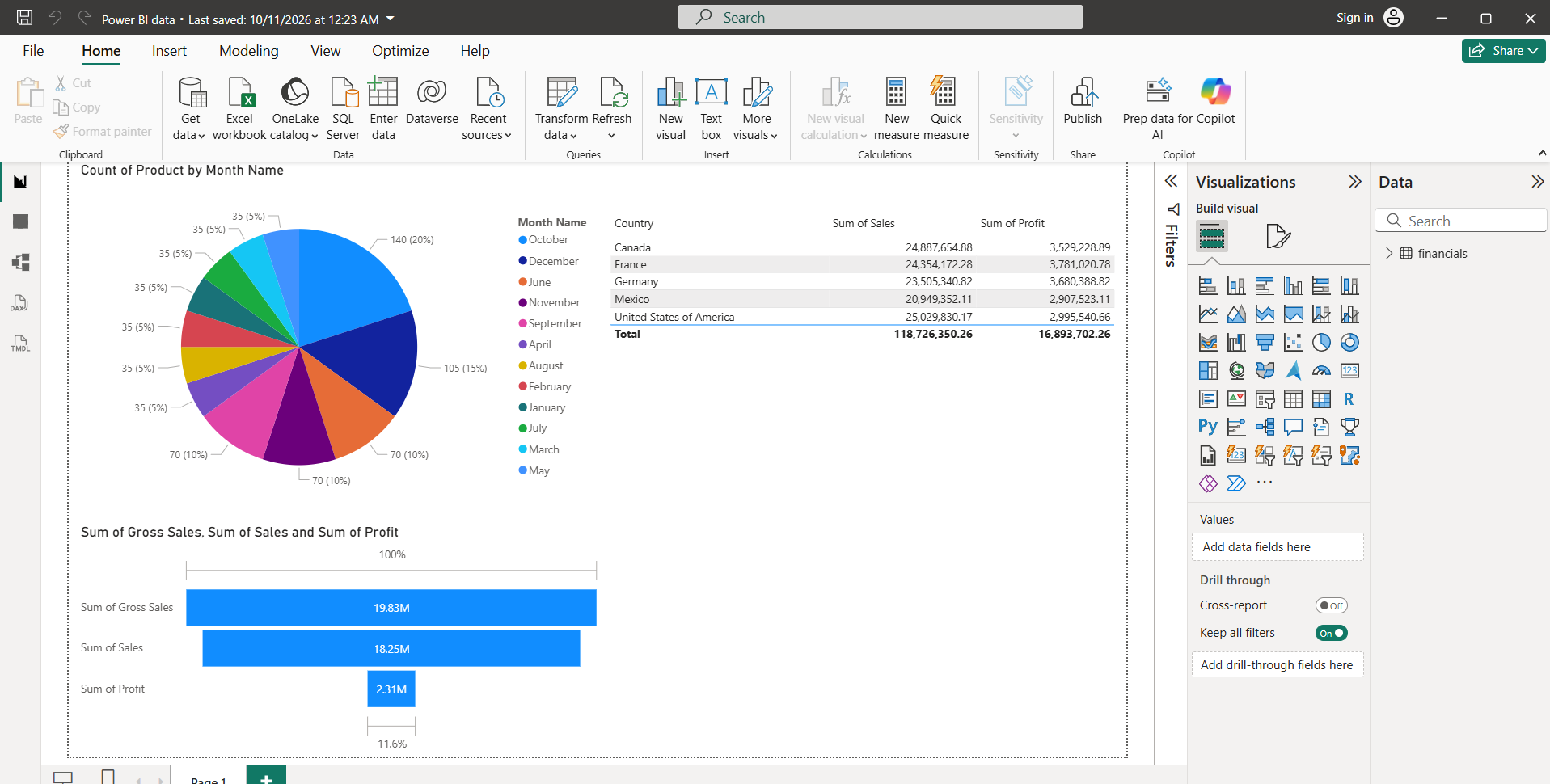
Power BI analyzes data and presents it in interactive reports and dashboards. Teams can use it to examine sales and revenue, expenses and profitability, inventory, regional performance, and financial or operational measures.
Its role is to make patterns and performance easier to review. Sales teams might track targets, while managers can monitor business KPIs. Operations teams may combine inventory data with reporting to see stock levels. Power BI can also connect to Excel, giving teams a way to analyze spreadsheet data as part of a broader reporting process.
Power Pages for external access
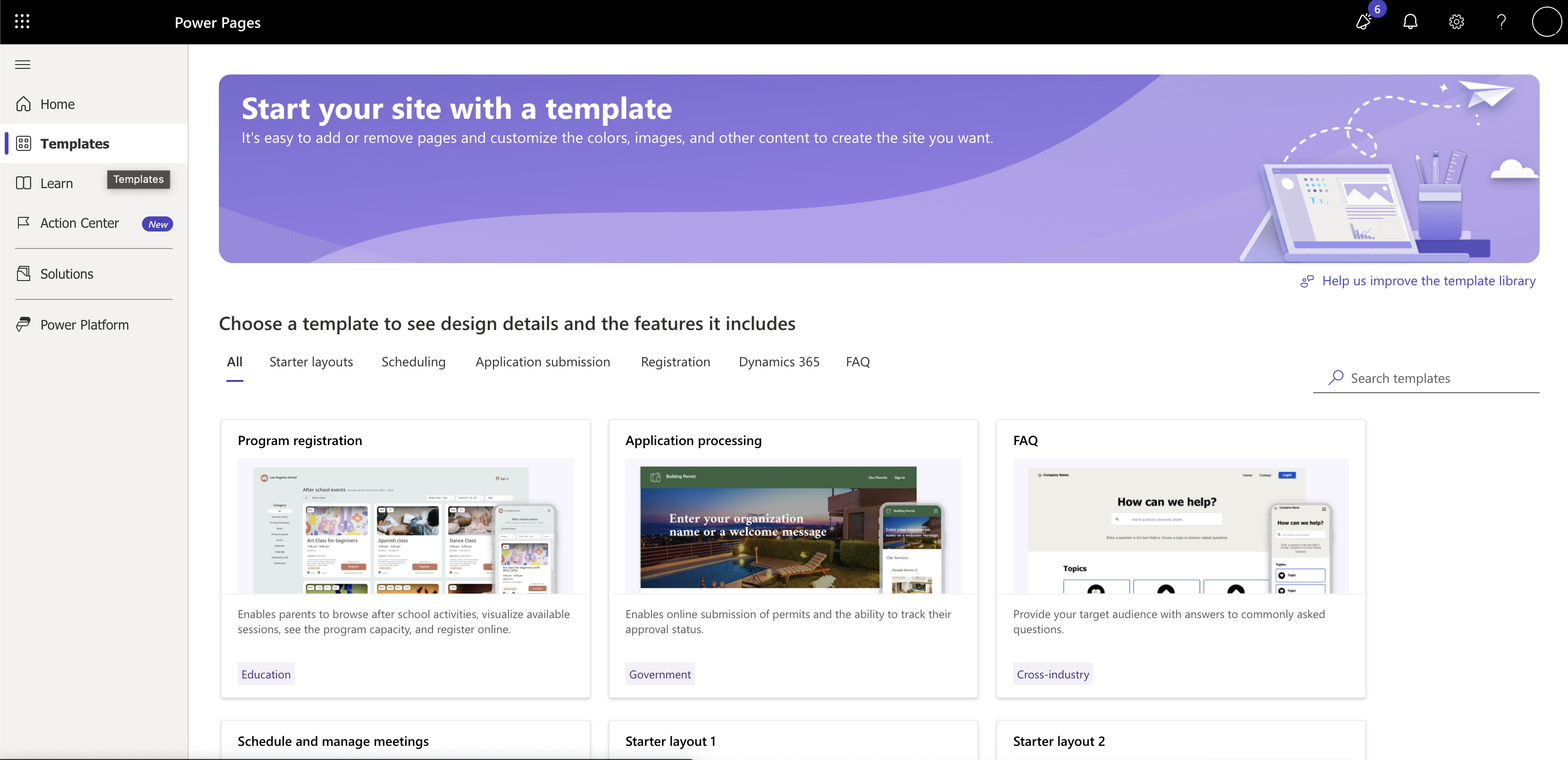
Power Pages is a low-code option for building business websites that customers, suppliers and other external users can access. Example uses include self-service portals, registration sites, customer feedback forms and service request pages.
That makes it distinct from an internal app: the intended users may sit outside the organization. Teams considering a portal should identify what information visitors need and what data they are expected to submit. The platform’s role is to provide the website experience; the examples do not define how any particular portal should be secured or configured.
Copilot Studio for configured AI agents
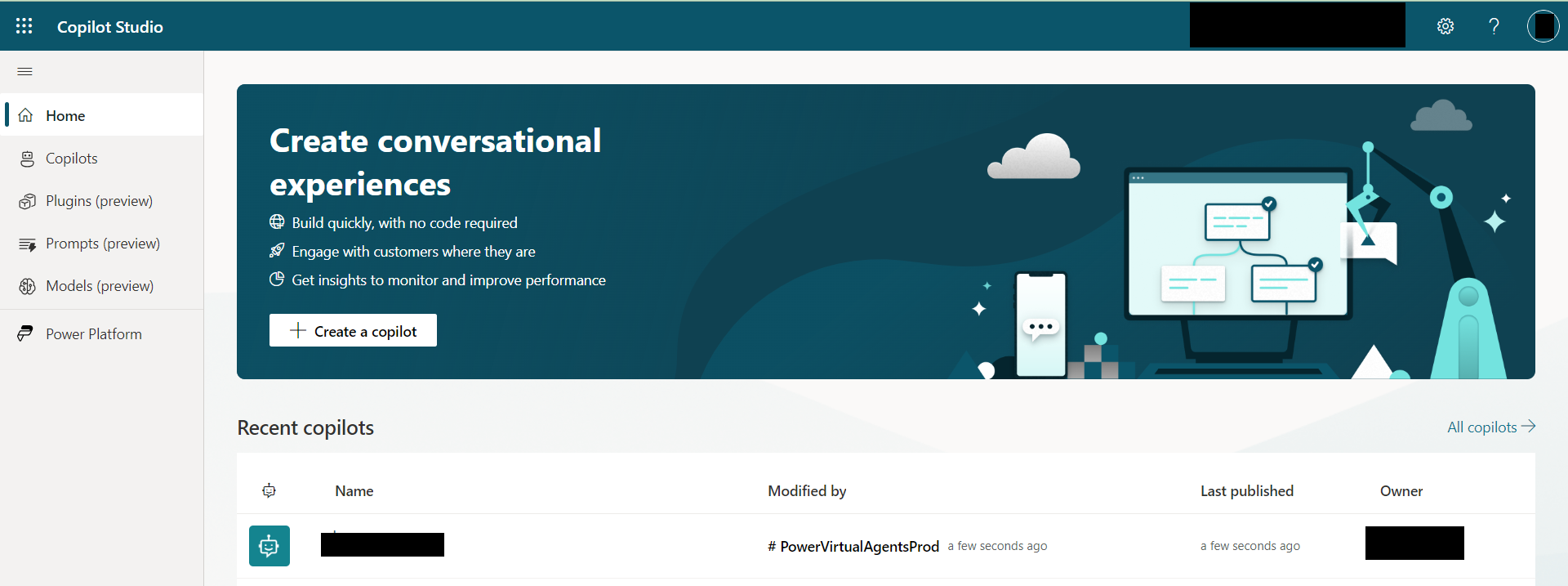
Copilot Studio is used to build and customize AI agents. These agents can answer questions and perform configured actions. Suggested uses include responding to employee queries, answering customer questions about products, providing information from approved knowledge sources and guiding staff through internal processes.
The examples point to a practical starting place: recurring questions with answers that come from a defined knowledge source or process. Teams should be clear about which information an agent is meant to use and which actions it has been configured to perform. The description of the tool does not establish that an agent will answer every question correctly or handle tasks beyond its setup.
Department examples and licensing checks
The tools map to a range of business needs. Sales and management reporting can use Power BI to track performance, targets and KPIs. Human resources can use Power Apps for an employee leave application. Finance can use Power Automate to route expense approvals. Customer service can use Power Pages for a support portal. IT support can configure a Copilot Studio agent to answer common questions. Operations can combine Power Apps and Power BI to track stock movements and inventory.
Some Power Platform features are included in existing subscriptions, while others require separate licenses. The available information does not specify which features fall into either group, so administrators should check the licensing that applies to their planned use before rolling out a solution. Excel is also part of the picture: Power Platform can connect to Excel for automation and data analysis, though the connection’s suitability will depend on the task.
For teams weighing a first project, the clearest candidates are processes with a defined audience, a repeatable task and an obvious outcome, such as recording a request, routing an approval or reporting a measure. Start by identifying which tool owns each part of that work, then confirm the data and licensing requirements before expanding the solution.


